
Team User Custom Attributes
Overview of Team > Attributes
Admin users of Zoey, often called Team Users, can be given attributes that are available for export through Data Mappers.
Team User Attributes let you add images, or text to the internal user. This is most commonly needed for Sales Reps and the main use-case is in exporting custom data instead of the sales rep's name or email.
How to create an attribute for Team Users
Start by going to Team > Attributes. Then click on Create New User Attribute to start creating it.
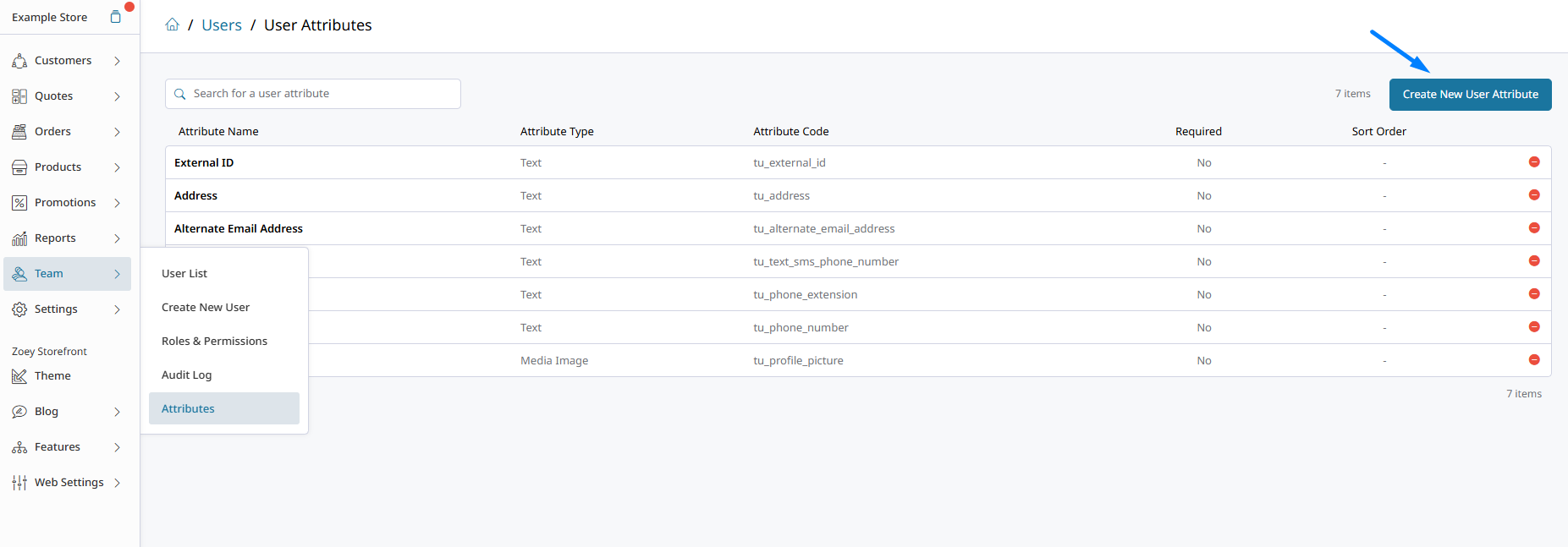
The two types of team user attributes available are:
- Text
- Yes/No
- Drop Down
- Media Image
Team User Attributes in Integration Data Mappers
Our Zoey x Fishbowl Data Mapper Integration provides the Sales Reps on an Account or Order to Fishbowl. However, that system expects the sales rep's custom username to be provided on import. To make that work, we must add a Team User Attribute which will contain the special Fishbowl username, then add it to the mapper export.
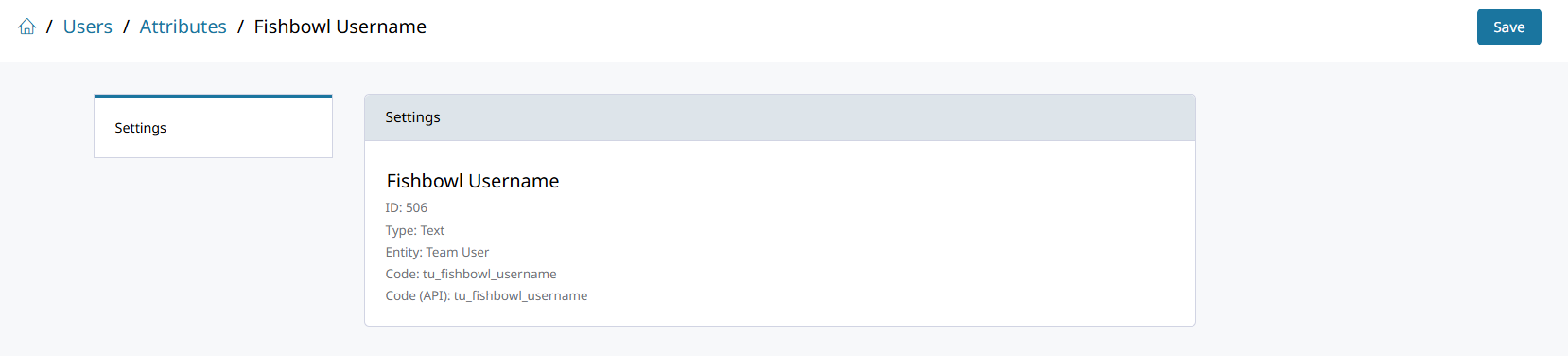
Then in your Data Mapper, search for the attributes name to add it for your export: [Sales Reps] Fishbowl Username.

Updated 6 months ago