
Buttons
Add a Button to your Storefront
Buttons can facilitate navigation around your store by providing a stylized link to other pages.
Open the + Add menu drag & drop in new buttons.
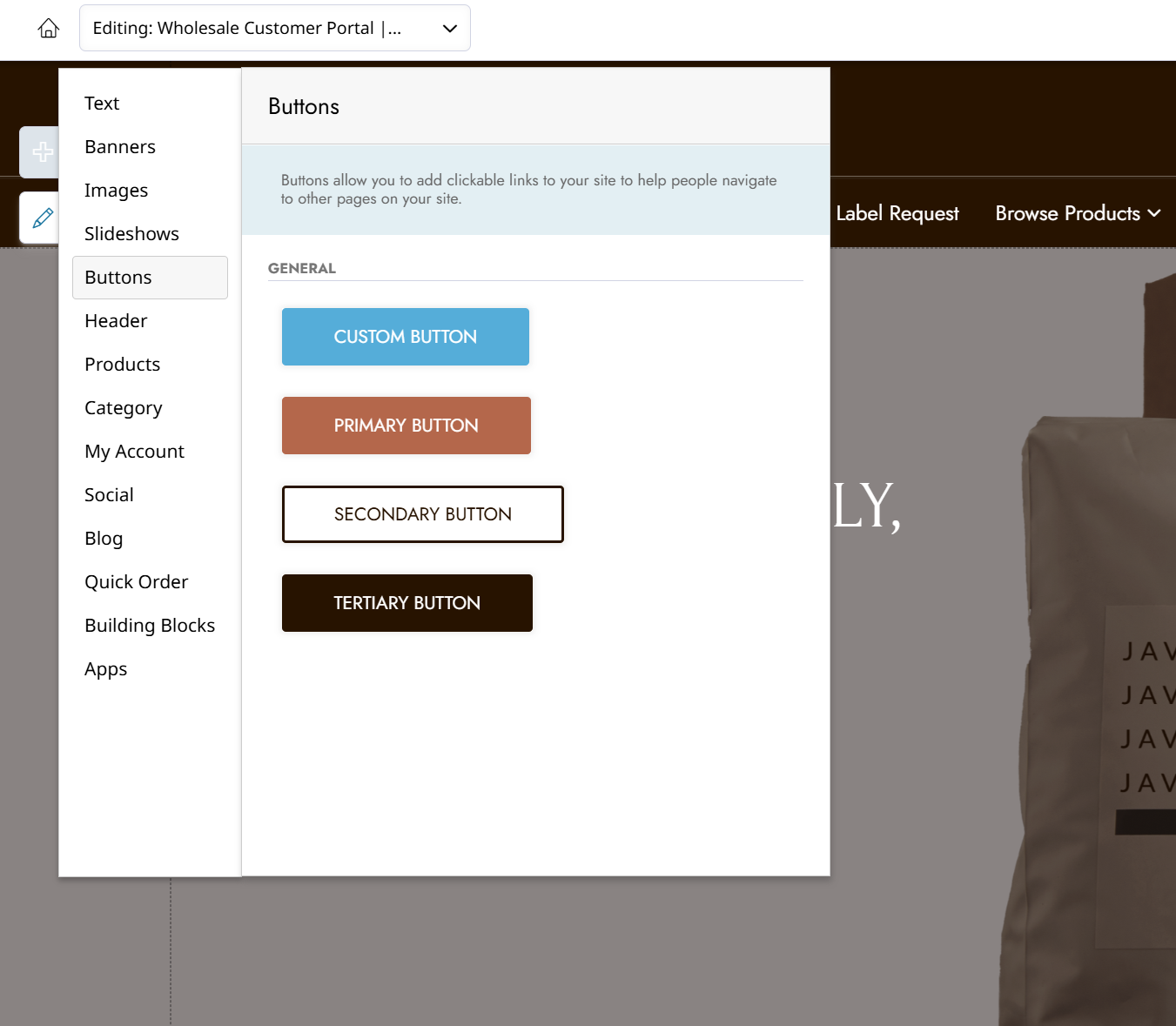
The Primary, Secondary, and Tertiary Buttons will display using the styles set in the Theme Branding menu.
The three standard buttons use your theme's colors to look their best. The left/right side padding can be increased to extend the buttons horizontally.
Custom Button
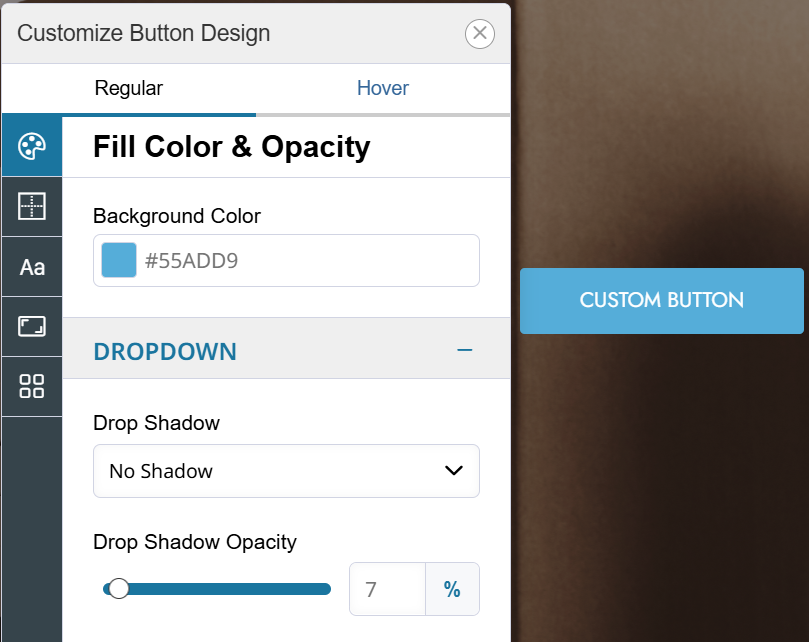
The Custom Button will let you design it individually. The color does not have to come from the standard palette.
Click on the Custom Button and then Design to control the button's size and more.
Edit a Button
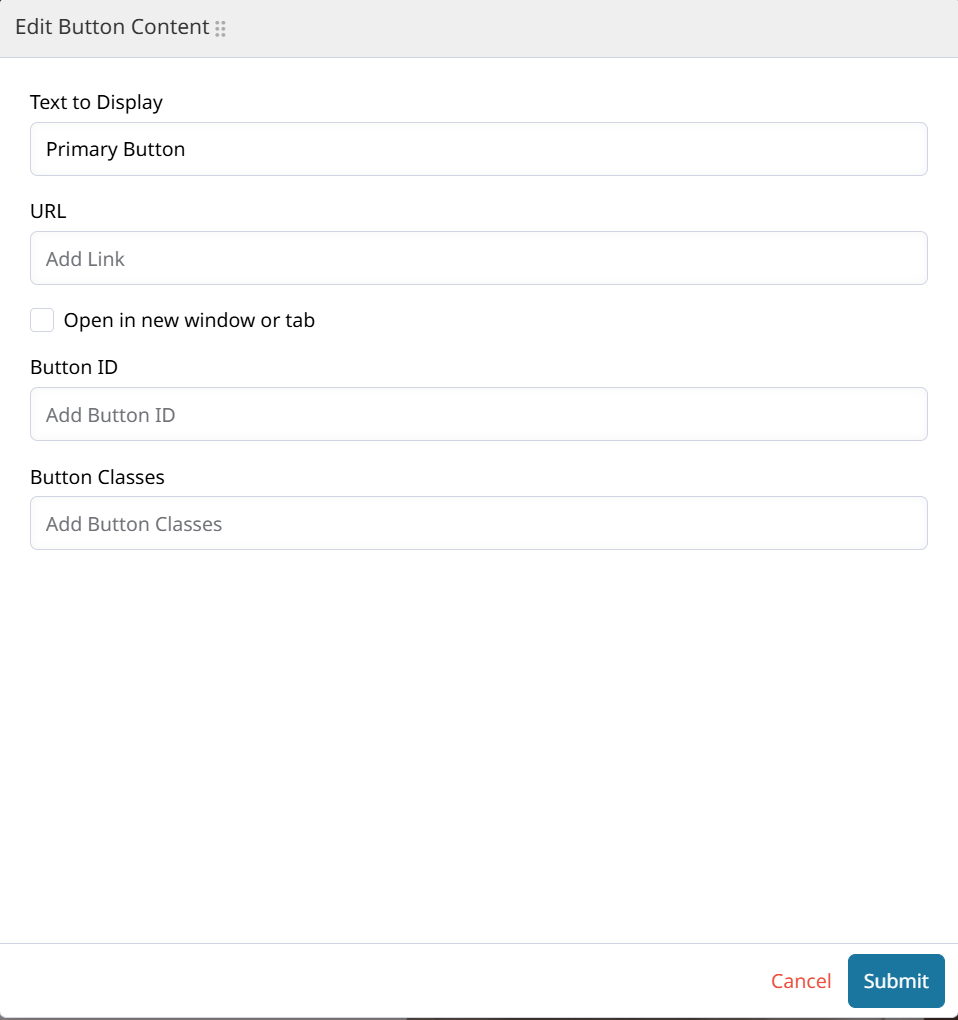
To edit a Button, double-click on it or click Edit Button to open the settings.
Button CSS Class and CSS ID
Add a Class or ID to your button to affect it with custom CSS or JavaScript.
Resizing a Button
Custom Buttons can be resized by changing the inner Padding through the Design menu. Click the unlink button in the middle to change the left, right, top, and bottom padding independently.
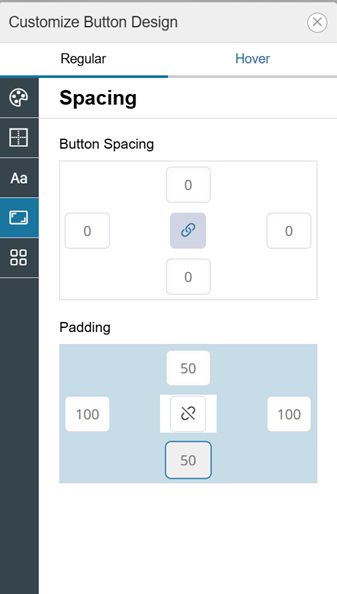
Increase the values for each direction to extend the button width or height!
Buttons can only be resized or extended through their padding to ensure they scale down correctly for Mobile.
Updated 9 months ago