
Account Group Price List
Export an Account's independent prices, or import a file to update prices for the Account's Customer Group.
There are many factors that come into play when deciding how much a specific customer will pay for a product. In Zoey, the price can be determined by Customer Group, Quantity Tiers, Discount Rules, and more.
Each Account has a Group Price List: the Customer Group prices of the group the Account belongs to. From the Account you can download those prices, edit them in a spreadsheet, and import them back.

Export and Import the Group Price List
- In the Zoey Admin, go to Customers > Accounts and open the Account.
- On the Overview tab, click Manage under Group Price List in the left sidebar.
- Click Export Current [group name] Prices to download a CSV of the group's current prices.
- Edit the prices in the CSV. Keep the two columns:
skuand_group_price_[group name](for example_group_price_Farm Stand). - Under Select File To Import, click Choose File, pick your CSV, and click Import File.
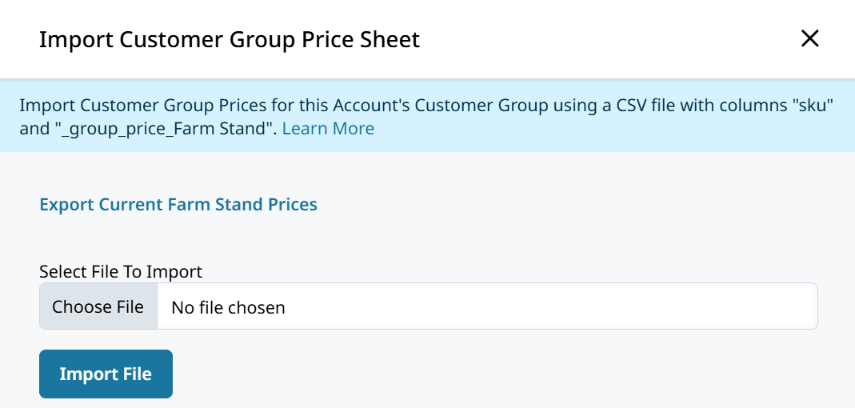
This changes the whole Customer GroupThe prices you import are the Customer Group's prices, not prices for this Account only. Every Account and Contact in the same Customer Group gets them.
Updated 1 day ago
Did this page help you?