
Lowest Sale Rule Price (LSRP)
Set the lowest possible price that a product should be reduced to by Sale Rules.
Use Lowest Sale Rule Price (LSRP) to stop Sale Rules from reducing a product below a minimum price.
LSRP ensures that a product's price does not drop below this floor when one or more Sale Rules apply.
A product's price can be made lower than the LSRP by Customer Group Prices, Account Specific Prices, Discount Rules Special Price and all other price features.Lowest Sale Rule Price sets a lower limit only for Sale Rules. Other price features can still lower the price below the LSRP, but Sale Rules will not reduce it further.
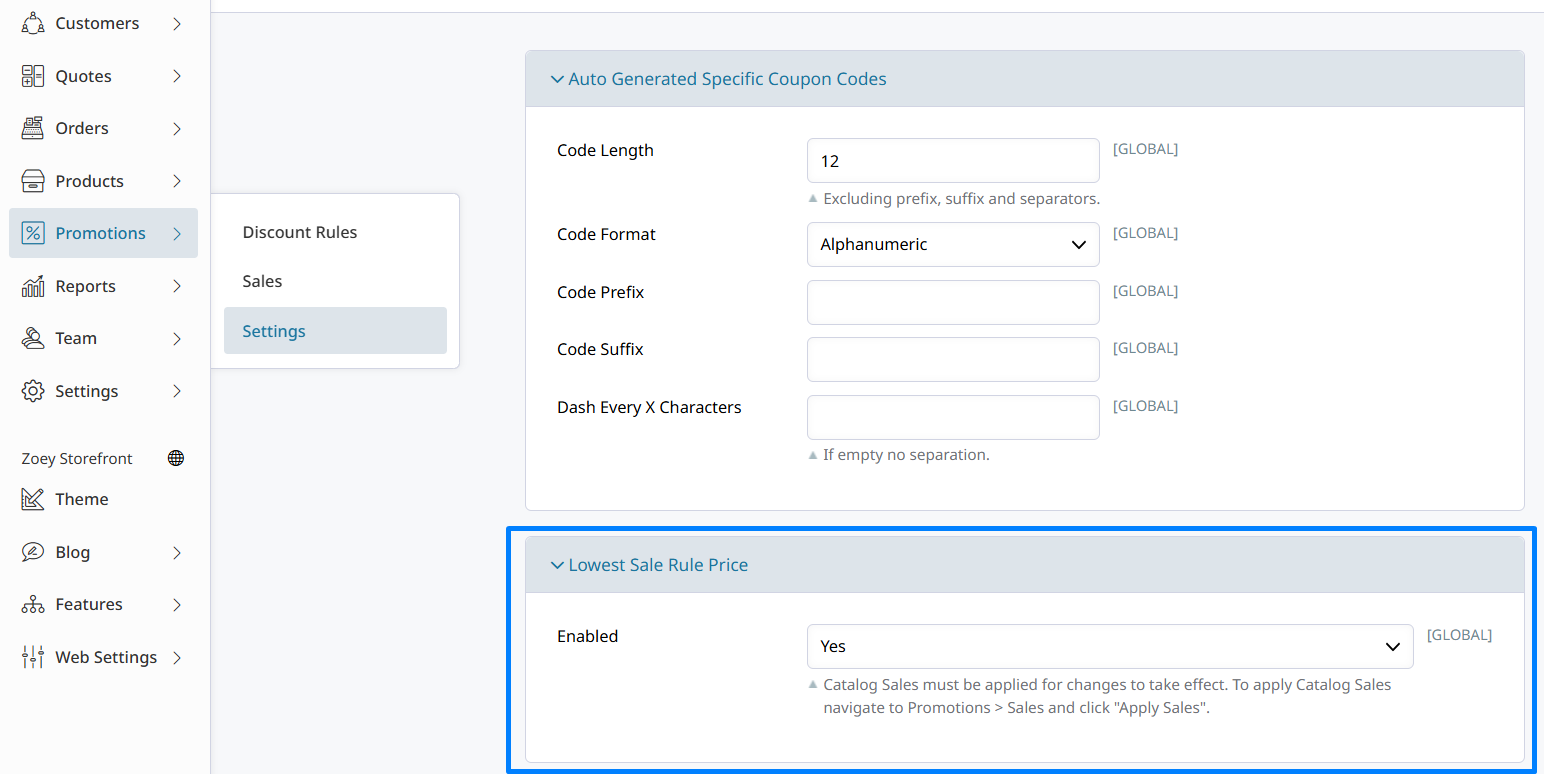
Enable Lowest Sale Rule Price (LSRP)
Go to Promotions > Settings and enable Lowest Sale Rule Price.
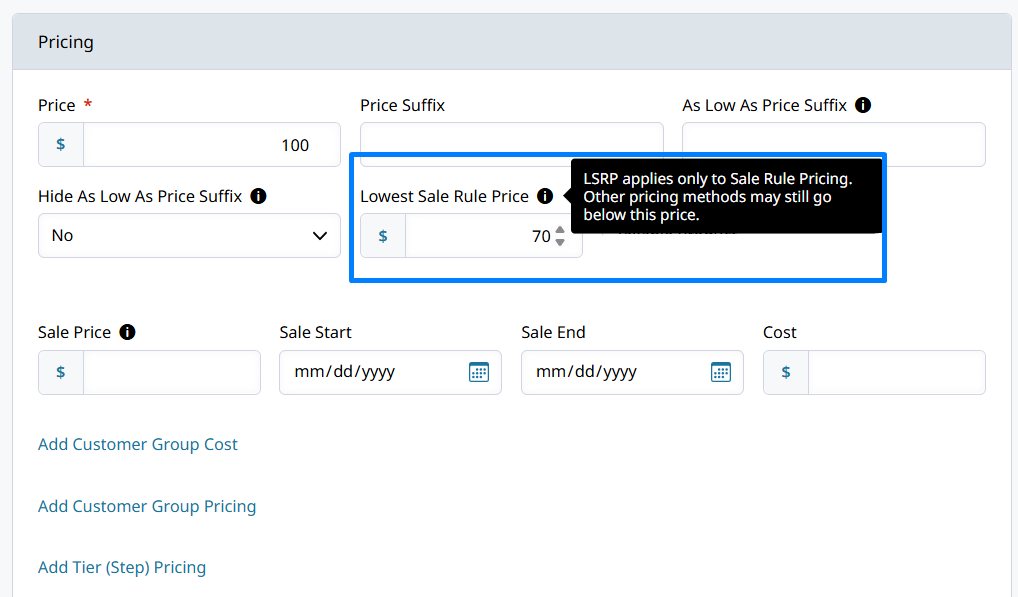
Set the Lowest Sale Rule Price (LSRP) on Products
Once enabled, the Lowest Sale Rule Price field appears in each product's price settings.
The Lowest Sale Rule Price can be set on each product via CSV import, and through the Zoey API.Use
lowest_sale_rule_priceto set the sale rule price floor on products.
How Lowest Sale Rule Price Works
Lowest Sale Rule Price (LSRP) acts as a protective price floor, specifically for Sale Rules. When one or more Sale Rules apply to a product, Zoey will calculate the sale price down to the Lowest Sale Rule Price value.
Key behavior:
- Applies only to Sale Rules (Promotions engine)
- Sale Rules apply after price is determined by Customer Group, Discount Rules, QTY Tiers, and other pricing features
- Prevents stacking Sale Rules from pushing prices too low
- Set per product, not globally
Example:
- Product price: $100
- LSRP: $80
- Sale Rule: 30% off $100 → $70
- Final price: $80 (LSRP enforced)
Updated 6 months ago