
Change Customer or Account linked to an Order
Change the Customer on an Order
You can change the Account, Account Location, or Contact associated with an existing order.
-
Open the order from Orders > Orders.
-
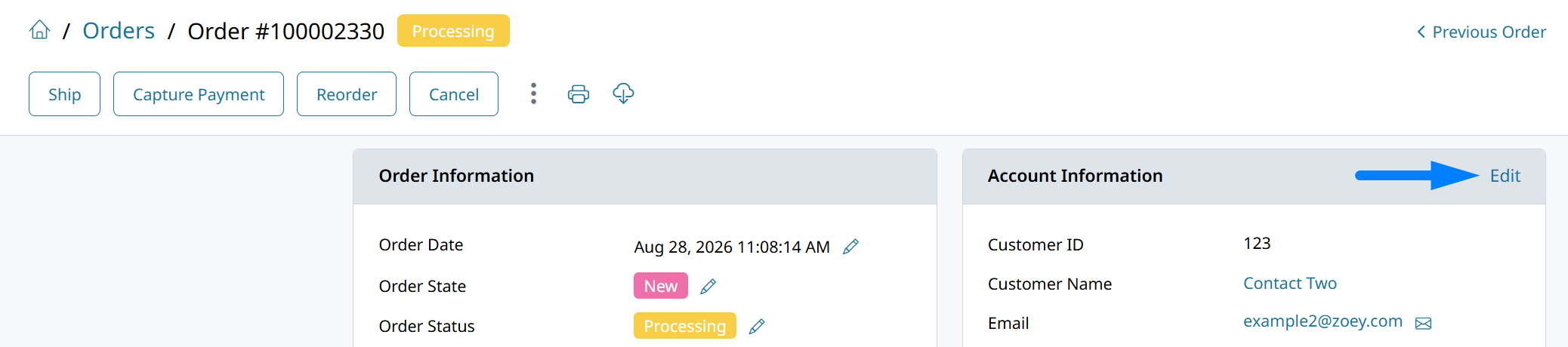
Locate the Account Information section.
-
Click Edit to change the account or customer.
-
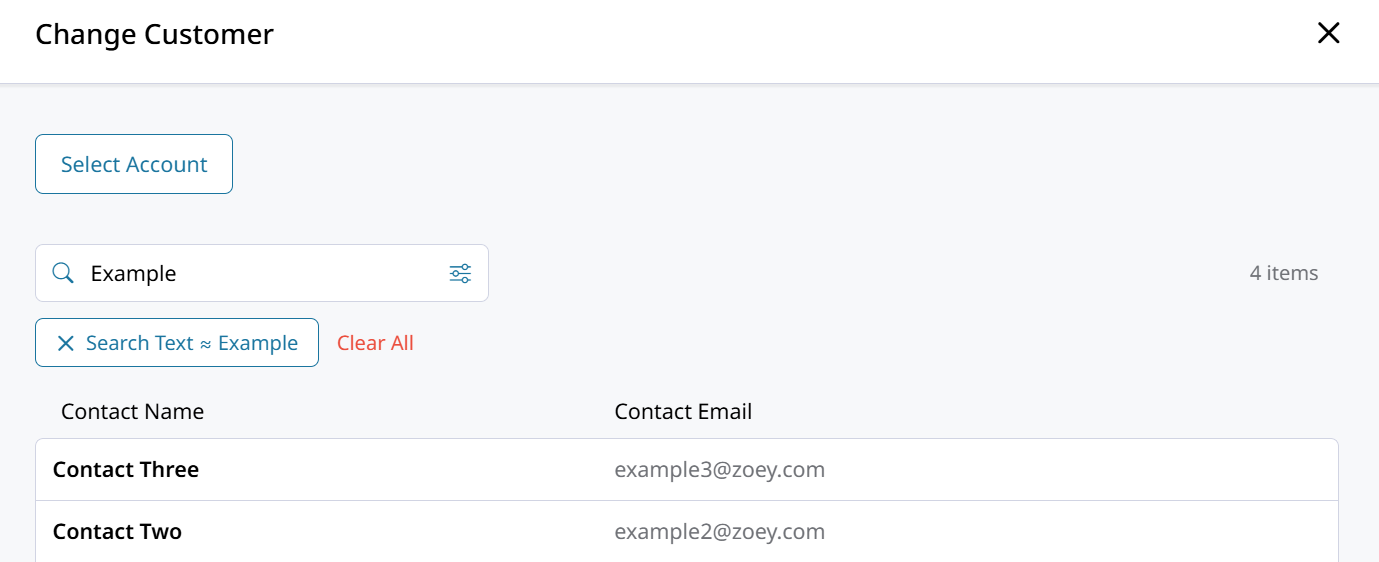
Search for and select the new contact to link to the order.
Click Select Account to choose the location or account the customer is ordering for.
-
Save the order.
The order is now associated with the selected customer and account location.
Updated about 1 month ago
Did this page help you?