
Add Stock Status to Search Results
How to display product stock message on the search results page.
Add Stock Status to Search Results
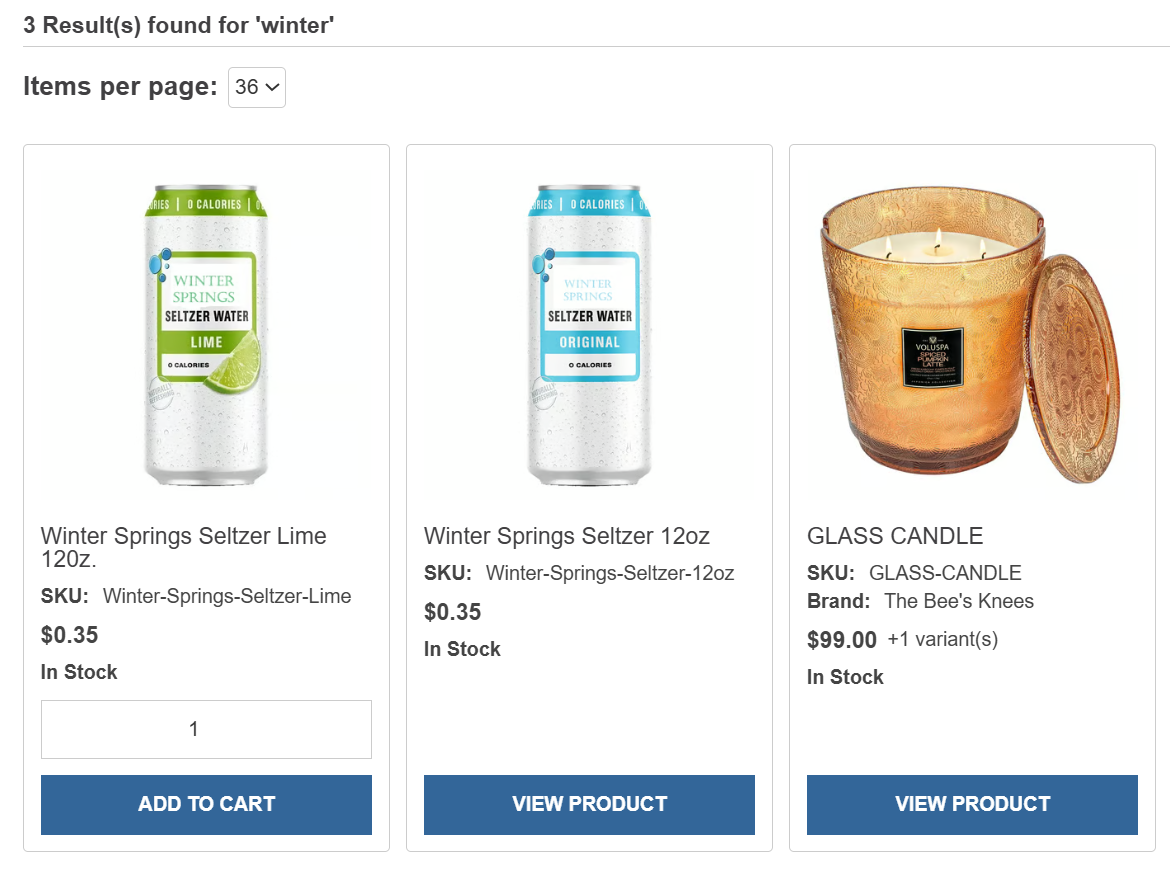
Display each product's stock message in the search results preview so customers can see availability before opening the product page.
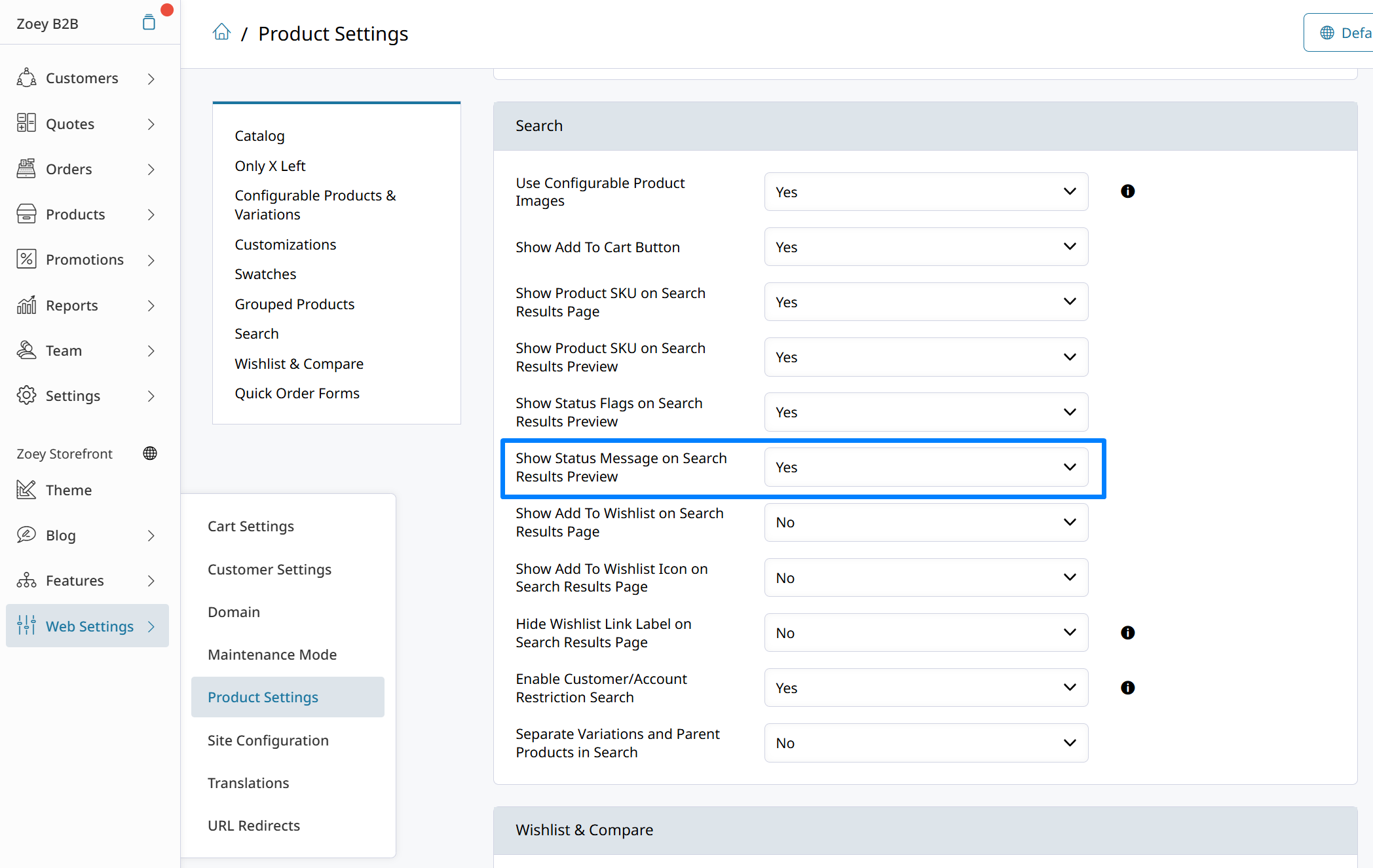
Show stock status in search results
- Go to Web Settings > Product Settings > Search.
- Enable Show Status Message on Search Results Preview.
- Save your changes.
This setting displays the Over Threshold Message set in the "Only X Left" feature.
Updated 3 months ago
Did this page help you?