
Set default sales reps
Assign Sales Reps to new orders and quotes automatically by customer group or customer, or let a team user override the default.
Overview
Default Sales Reps are assigned automatically when an Order or Quote is created. Set them on a Customer Group, an Account or a single Contact, and Zoey picks the most specific one for each new Order or Quote.
| When an Order or Quote is created, Zoey uses... | Set it in |
|---|---|
| 1. The Team user creating it in the Zoey Admin, if that user is set to overwrite | Team > User List |
| 2. The Contact's own Sales Reps | The Contact's Overview sidebar |
| 3. The Account's Sales Reps | The Account's Overview sidebar |
| 4. The Customer Group's Default Sales Rep(s) | Customers > Customer Groups |
Zoey stops at the first one that has a Sales Rep. For example, if the Contact has no Sales Reps but their Account does, the Account's reps are assigned.
Team User Overwrite Default Sales Rep
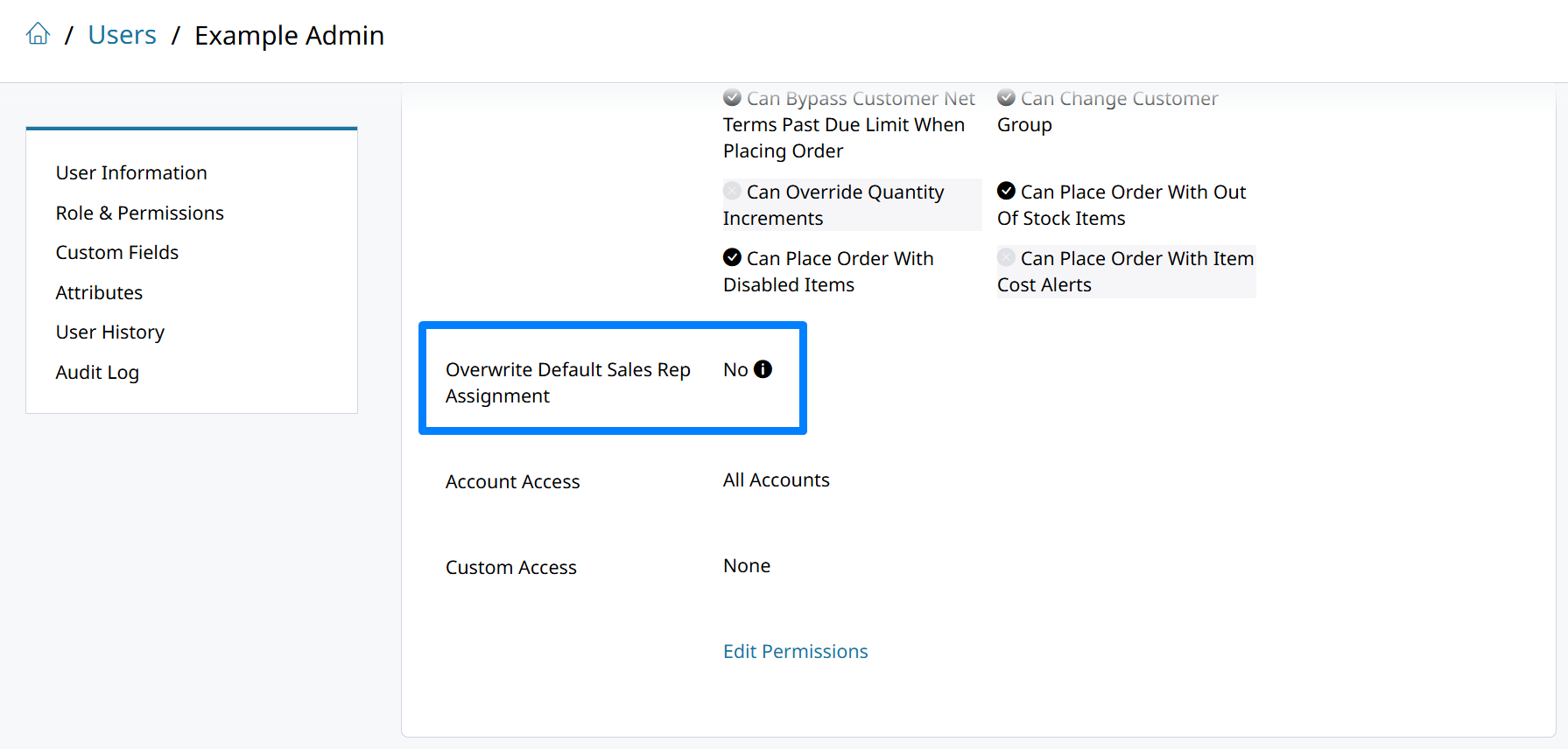
In Team > User List, a Sales Rep can be set to Overwrite Default Sales Rep Assignment.
When this is set to Yes, every Order or Quote that this user creates in the Zoey Admin is assigned to them, whatever the Contact, Account or Customer Group defaults say.
Customer Group Defaults
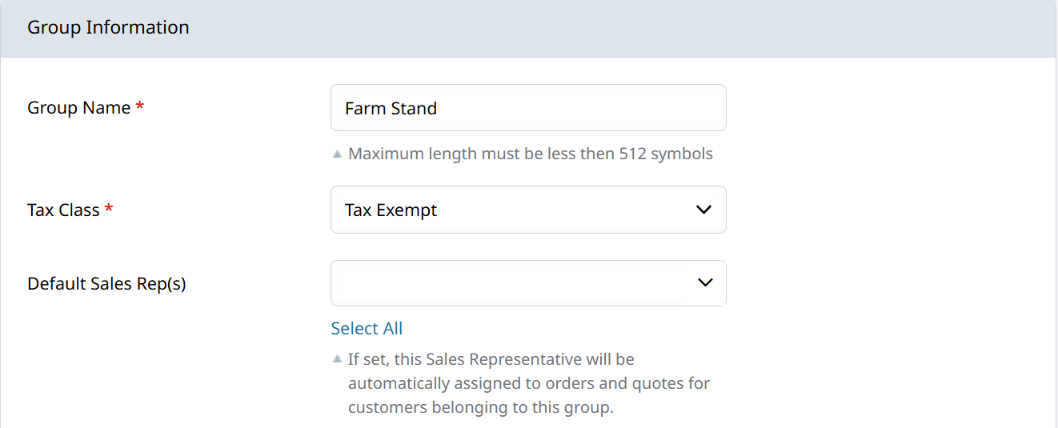
- In the Zoey Admin, go to Customers > Customer Groups and click the group.
- Choose one or more reps in Default Sales Rep(s), or click Select All.
- Click Save Customer Group.
These reps are assigned to Orders and Quotes for customers in the group, unless the Contact or Account has its own Sales Reps.
Account Defaults
- Go to Customers > Accounts and open the Account.
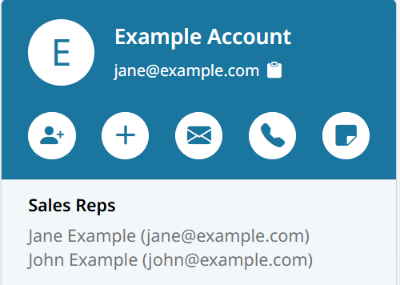
- On the Overview tab, click the pencil next to Sales Reps in the left sidebar and choose the reps.
The Account's Sales Reps are assigned to Orders and Quotes for every Contact on the Account who doesn't have their own.
Individual Contact Defaults
- Go to Customers > Contacts and open the Contact.
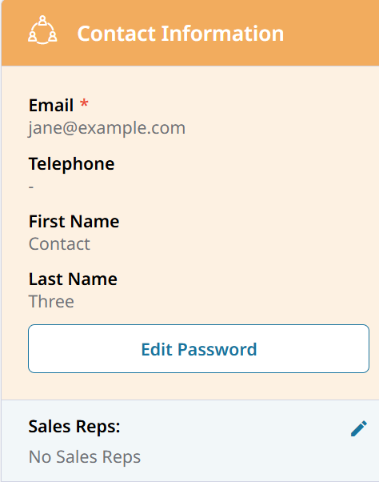
- On the Overview tab, click the pencil next to Sales Reps in the left sidebar and choose the reps.
A Contact's own Sales Reps are assigned to every Order or Quote created for or by that Contact. No Sales Reps means the Contact uses the Account's or Customer Group's defaults.
Updated 2 days ago