
Text Blocks
Add Text to your Storefront
Text blocks allow you to add text to any page of your store. Zoey has several pre-configured text blocks for Page Titles (Headings 1 through 5), as well as customizable text components.
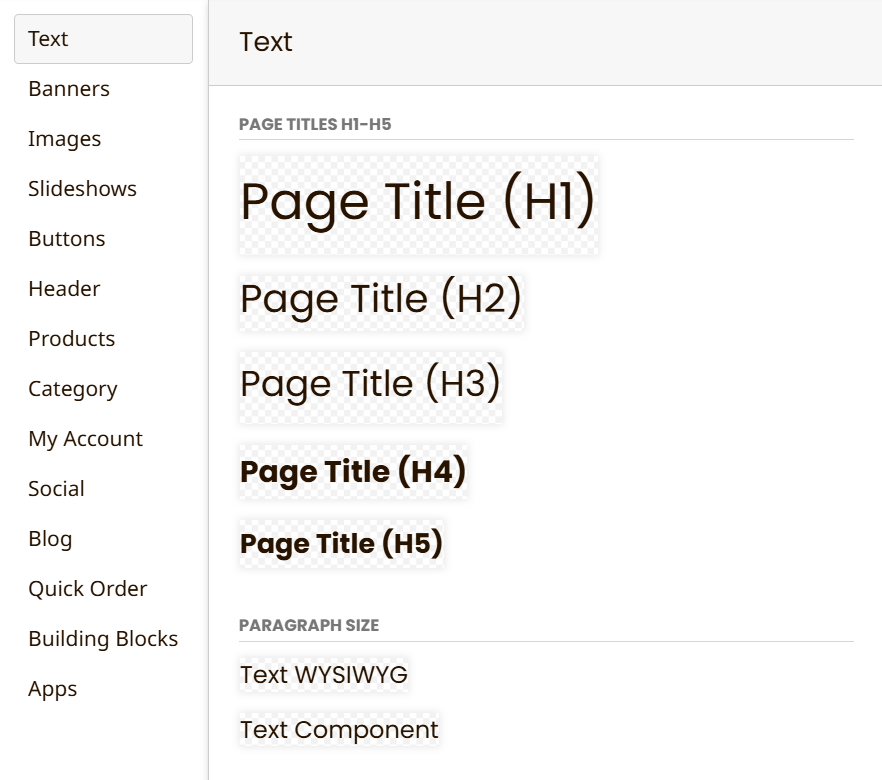
Paragraph sized text can be displayed through Text WYSIWYG or a simpler Text Component
-
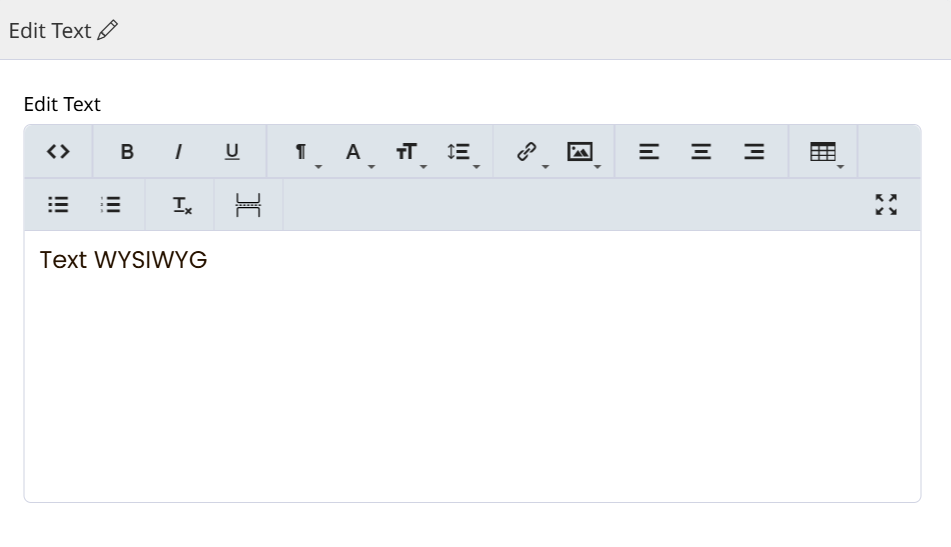
Text WYSIWYG (pronounced "wizzy-wig") - Provides a WYSIWYG editor to format and style the text.
-
Text Component - Lets you choose content tags and set CSS Class and CSS ID for the text.
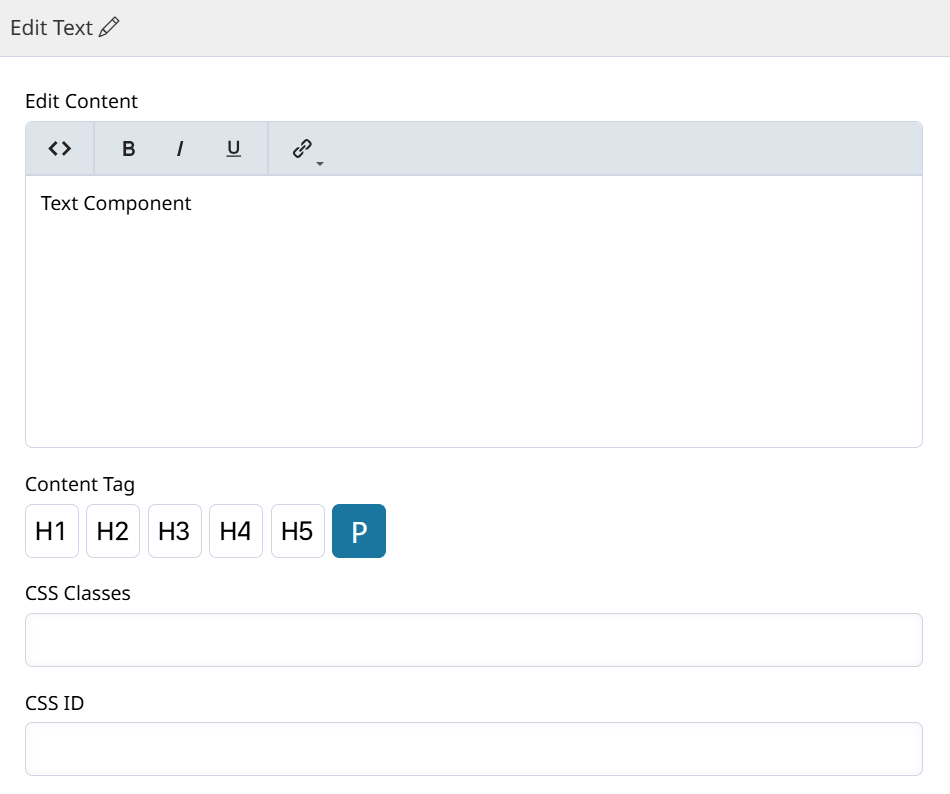
Edit Text
To edit a text block, double-click or click the Edit Text quick-action button.

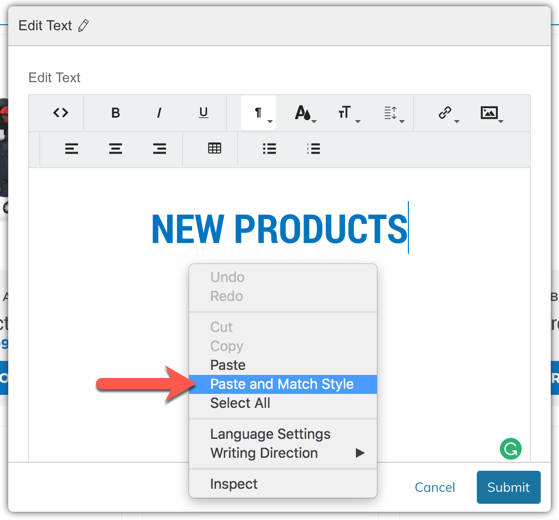
WARNING: COPY & PASTEWhen using Copy & Paste, especially from Microsoft Word or other Websites, your computer will copy over more than just the text. You may notice text colors and other styles will copy over. This can be harmful to your design. To fix, try using Paste and Match Formatting, or Paste Without Styles (depending on your computer).
If this option does not appear for you, try pasting the text into Notepad or another text-only software, then copy/paste from there into your Text Box.
Updated 9 months ago